Product Images & Various Bug Fixes
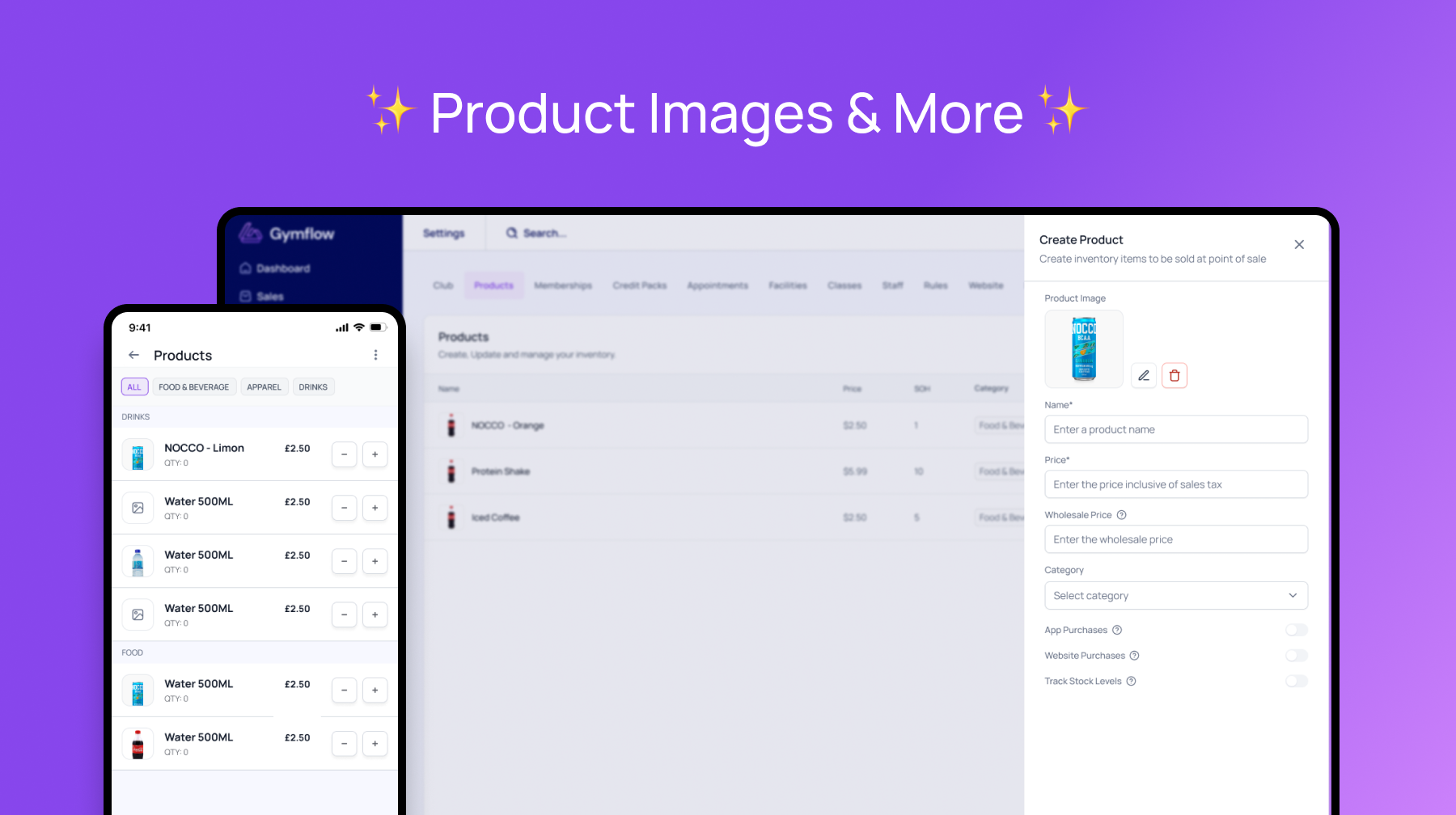
Add Images To Products
You can now add product images to your Gymflow inventory items. Making the browsing experience in the mobile app much richer.
To add images just go to Settings and to the Products tab and add or edit any product. Images must be smaller than 2mb and be in png or jpg formats.
To start adding product images to head to Settings > Products.
Bug Fixes
Some mobile users having issues selecting the phone country code has been resolved with improved UI.
Some empty state re-direct links in the mobile app were broken and now fixed.
Credit pack descriptions have been added back into the updated mobile shop
Users having issues edit profiles in the members app due to not agreeing terms has been resolved they can edit regardless of their waiver status.
Staff App crashing when switching between locations (multi site only) has been resolved.
Issues with signing into the members app if you use a space at the end of your email is fixed
Some members resuming on the billing date not being charge on the same day has been resolved.